

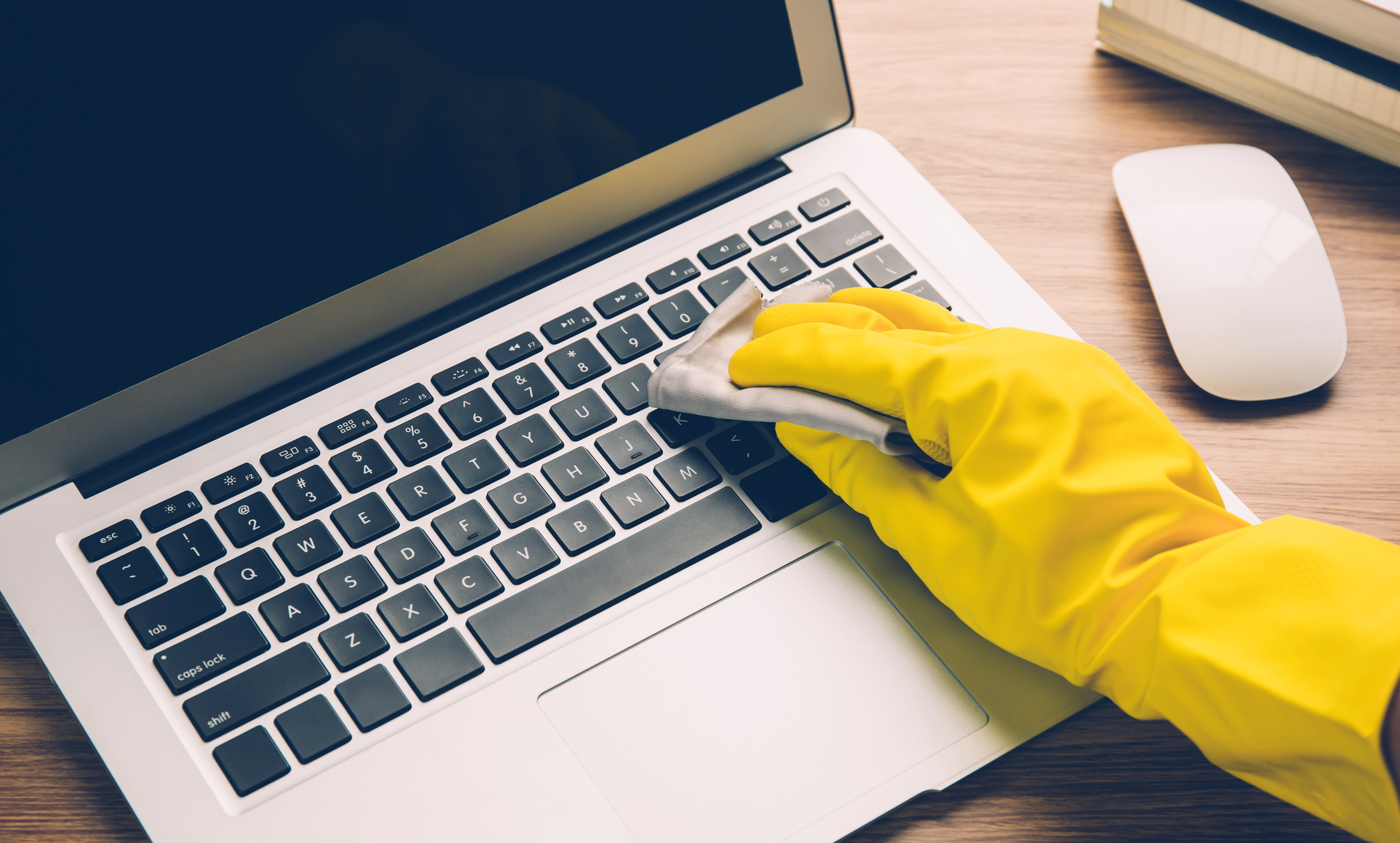
Our computers and laptops are essential for daily tasks. Therefore, it is crucial to maintain them regularly to ensure the best performance and extend their lifespan. These devices are often exposed to dust and other particles that can damage them, reducing efficiency and accelerating component wear.
In this article, we explain how to properly clean your PC or laptop, with simple instructions, recommended frequency, and precautions to take.
1. Why is dust your PC's biggest enemy?
Dust is one of the main enemies of computers. Although it seems harmless, it can cause serious damage by blocking airflow, causing overheating, obstructing fans and ventilation openings, and even causing hardware failures that require costly repairs.
Regular maintenance helps extend the device's lifespan, ensuring it operates efficiently.
To remove dust, use soft brushes and microfiber cloths, which are ideal for cleaning fans and hard-to-reach corners.
Essential first step: turn off the computer, unplug the power cable, and if possible, remove the battery.
2. How to clean the air vents and prevent overheating
Clogged air vents hinder heat dissipation and can lead to system overheating. To avoid this problem:
-
Use compressed air or an air jet to remove dust.
-
Keep the spray nozzle at a safe distance (about 10 cm) to avoid damaging the fan blades.
-
Never use liquid sprays or blow with your mouth, as moisture can cause damage.
The air vents are usually located on the sides or at the back of the laptop.
3. How to clean the screen without leaving streaks
The screen can accumulate dust, smudges, or fingerprints. For safe cleaning:
-
Use a soft microfiber cloth.
-
Apply a small amount of solution suitable for LCD screens to the cloth (never directly on the screen).
-
Clean with gentle, circular motions.
-
Let the screen dry completely before using it again.
Avoid products with alcohol or ammonia, as they can damage the screen coating.
4. Effectively clean the keyboard
The keyboard easily accumulates dust and debris. To clean it:
-
Use a small, soft brush to remove particles between the keys.
-
You can also use compressed air to blow out accumulated dirt.
-
For a deeper clean, unplug the keyboard (or laptop) and use a cloth dampened with 70% isopropyl alcohol, avoiding excess liquid.
5. How to clean the external structure (covers and panels)
External cleaning should be done carefully to avoid damaging the finish:
-
Use a microfiber cloth slightly moistened with 70–75% isopropyl alcohol.
-
Gently clean the LCD cover, screen frame, and the top and bottom of the case.
-
Make sure the cloth is only damp (not soaked).
-
Let it dry completely before turning on the equipment.
6. How to clean dust filters
Some computers have dust filters, especially tower models. To clean them:
-
Use a soft brush to gently remove accumulated dust.
-
Do not use vacuum cleaners, as suction can damage internal components or generate static electricity.
How often should I clean my computer?
It is recommended to clean the computer every 3 to 6 months. However, the ideal frequency depends on factors such as:
-
Presence of smoke in the environment;
-
Presence of pets (hair and dust);
-
Heavy computer use;
-
Place with a lot of dust.
In more demanding environments, more frequent cleanings are recommended.
What about deeper internal cleaning?
For a complete internal cleaning — including components like motherboard, graphics card, or thermal paste replacement — it is recommended to seek help from a qualified technician. This prevents damage to sensitive parts and preserves the equipment's integrity.
Benefits of keeping the computer clean
Keeping your computer clean brings several advantages:
-
Better performance;
-
Less noise (less obstructed fans);
-
Longer component lifespan;
-
Reduced risk of hardware failures.
With these simple practices, you ensure not only the proper functioning of the equipment but also a more pleasant and smooth user experience.
Frequently Asked Questions
How often should I clean my computer?
Every 3 to 6 months, or more frequently if there is smoke, pets, or heavy use.
Can I use a vacuum cleaner to remove dust?
No. The vacuum cleaner can damage sensitive components. Use a soft brush or compressed air.
Is it safe to clean the screen with alcohol?
Use only solutions suitable for LCD screens. Avoid common alcohol, as it can damage the screen coating.
Image: Narith's Images/Reproduction
Share this article:
Smart Cities: The future of urban life
How to start the Zero Waste challenge?