

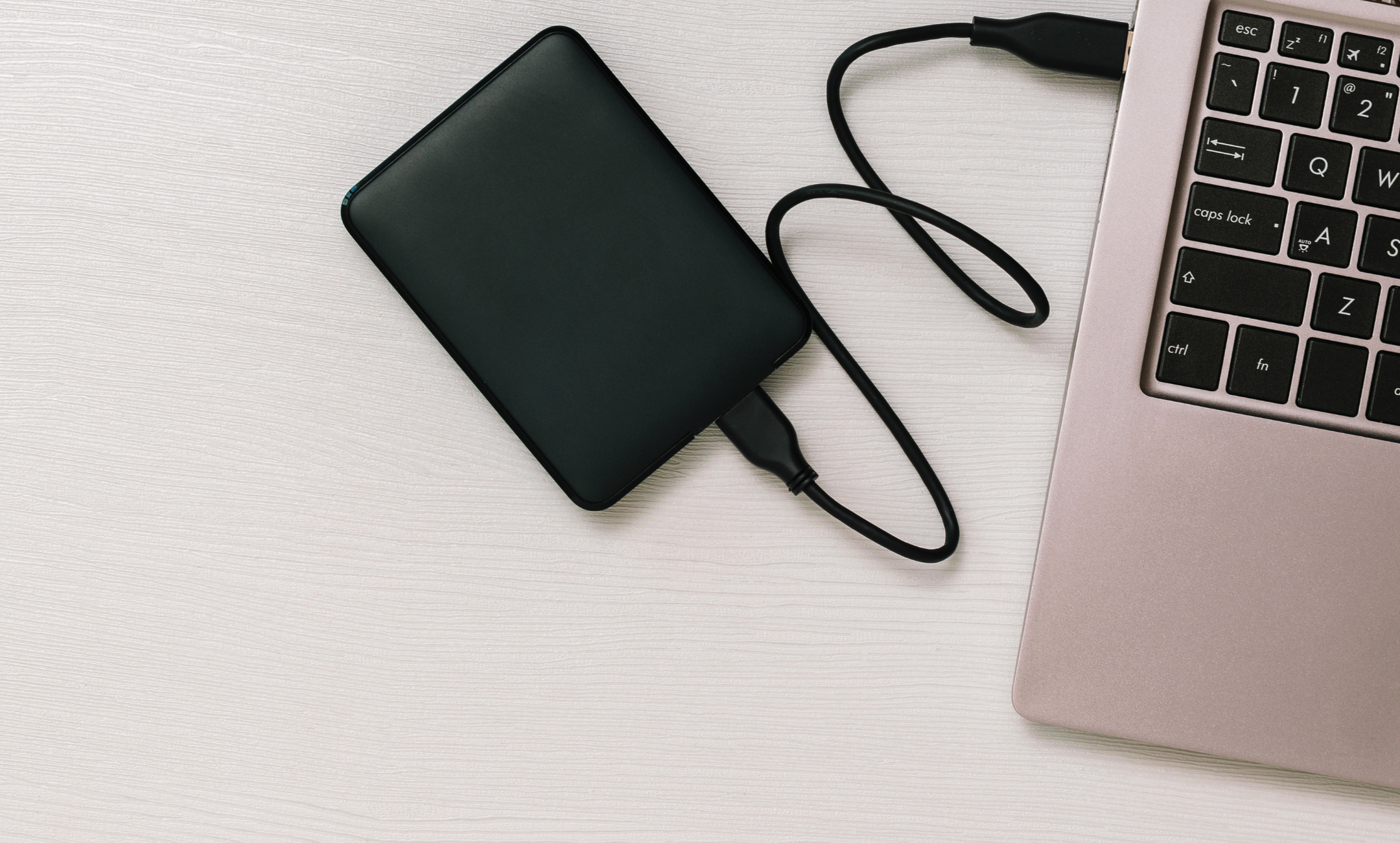
Choosing between cloud backup or local backup is a complex but necessary task, involving fundamental issues such as security, accessibility, and trust. We all need to store data, whether photos, documents, or videos, and for that, we must ensure their protection with backups!
In this article, we will present the characteristics of local backup and cloud backup, in order to compare their functions and advantages, and help you discover which is most suitable for you.
What is a Backup?
A backup is a security copy of our important files and data, created to protect them against cyberattacks and accidental loss. Thus, the backup ensures that our files are stored in another location, allowing us to recover the information if something happens.
Local storage systems
Data storage on local systems began in 1956 with the creation of magnetic storage devices. Over time, these devices became smaller, more affordable, and faster.
Local systems offer greater control and security in data storage. They are ideal for long-term file storage, are fast and efficient, and allow for simpler data recovery since they do not depend on the Internet. Additionally, they are easier to track, manage, and monitor.
However, this type of backup is vulnerable to local disasters (because it is physical, it can be destroyed) and also to hardware failures, since hard drives can always fail.
Cloud storage systems
Cloud storage emerged in the early 2000s, when several companies began offering remote storage services to their users. Data started being stored on external servers, accessible from any device with an Internet connection. Common examples of cloud backup services are Google Drive, OneDrive, or Apple's iCloud.
The cloud has become one of the main computing platforms worldwide, allowing the storage of large volumes of data.
Among its advantages are file synchronization across multiple devices, the ability to access and recover data from anywhere, and the simplicity of the process. Additionally, they are automatic backups, economical, and require no manual intervention.
However, data recovery can be slower, security depends on third parties, and there is always the risk of server failures or additional costs associated with the service.
In short, both local and cloud backups are useful for storing and restoring data.
The local backup offers greater direct control, more storage space, longer data durability, and does not depend on the Internet.
The cloud backup offers greater physical security, higher accessibility, and ease of use.
Therefore, the best backup is the one that combines both solutions, or that best adapts to your needs and preferences. There is no universally superior type of backup: there is the right backup for you.
If you are looking for local storage, Digiplanet has the perfect solution for you: Disk External 256GB SSD M2 Sata Cable USB-C → USB-A 3.1 Gen 1
Image: KVLADIMIRV/Getty Images
Share this article:
What is the best browser?
Sustainable Digitization: what is it?